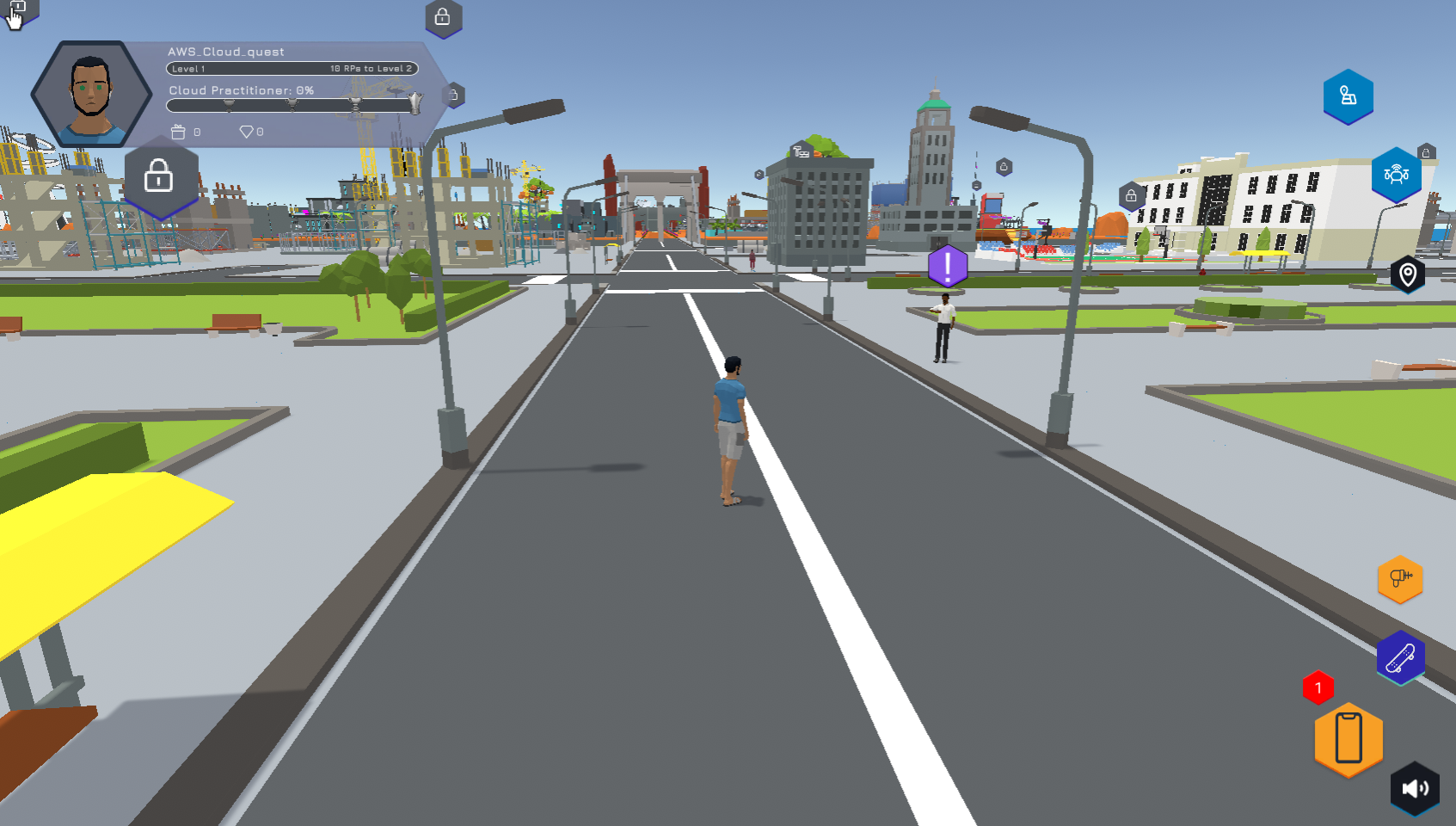
Ghi danh và kiểm tra hệ thống
Sau khi đăng nhập giao diện AWS Training and Certification xuất hiện với các khóa học.
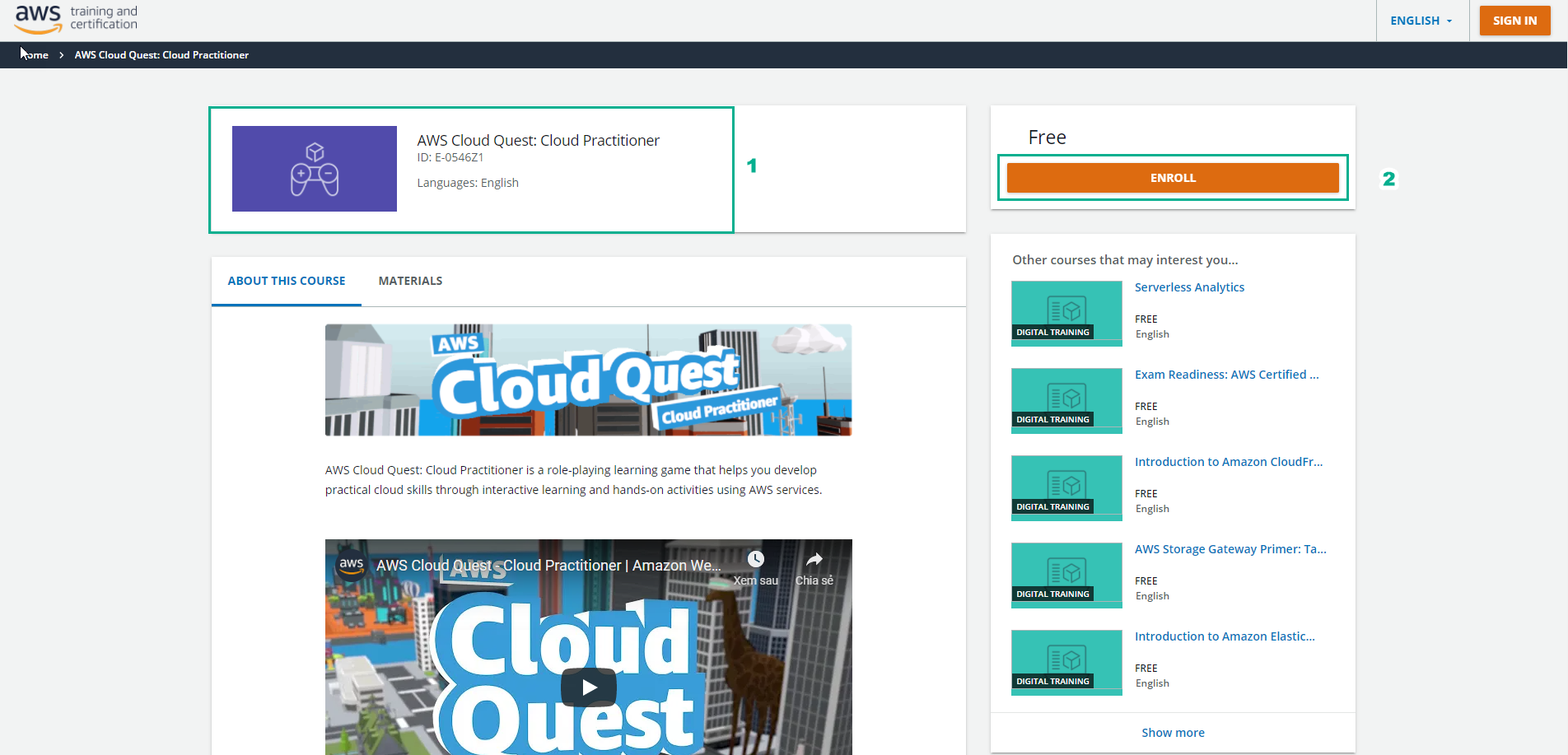
- Tìm và chọn AWS Cloud Quest: Cloud Practitioner
- Tiếp tục, chọn ENROLL
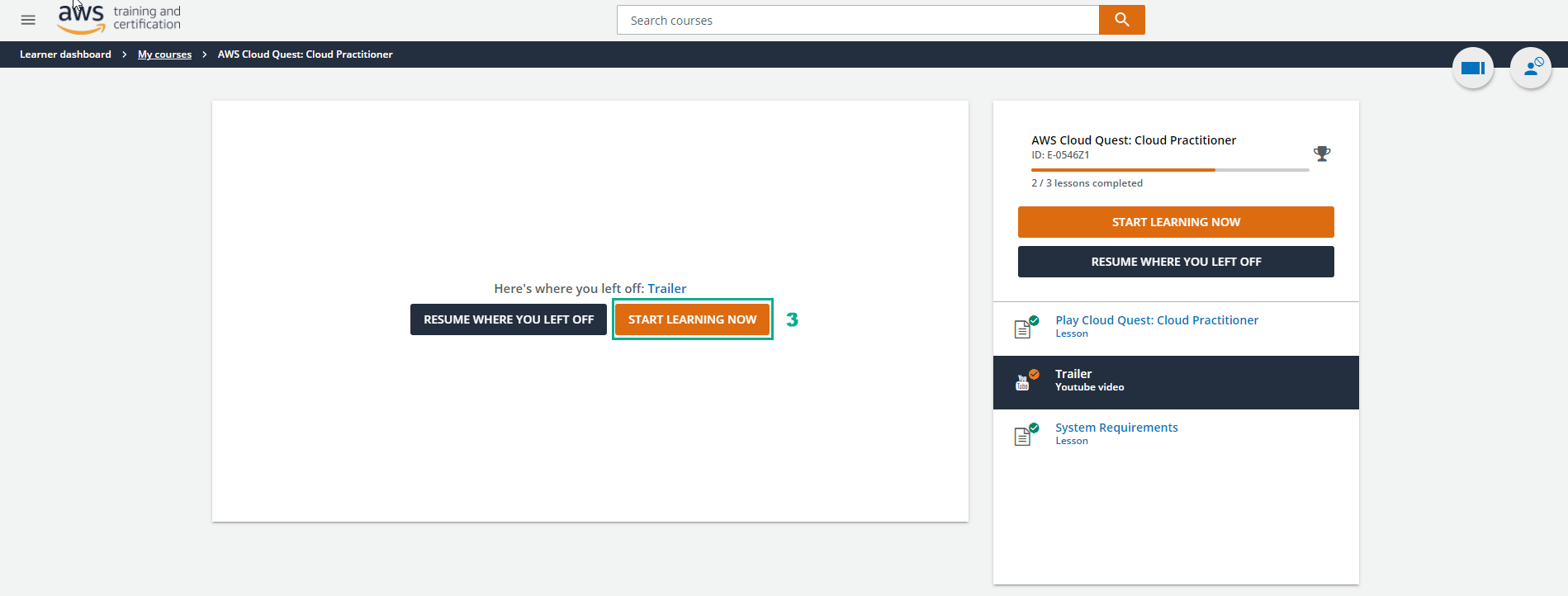
- Sau khi chọn ENROLL, chọn START LEARNING NOW
- Chọn Trailer Youtube video để xem tổng quan về AWS Cloud Quest: Cloud Practitioner
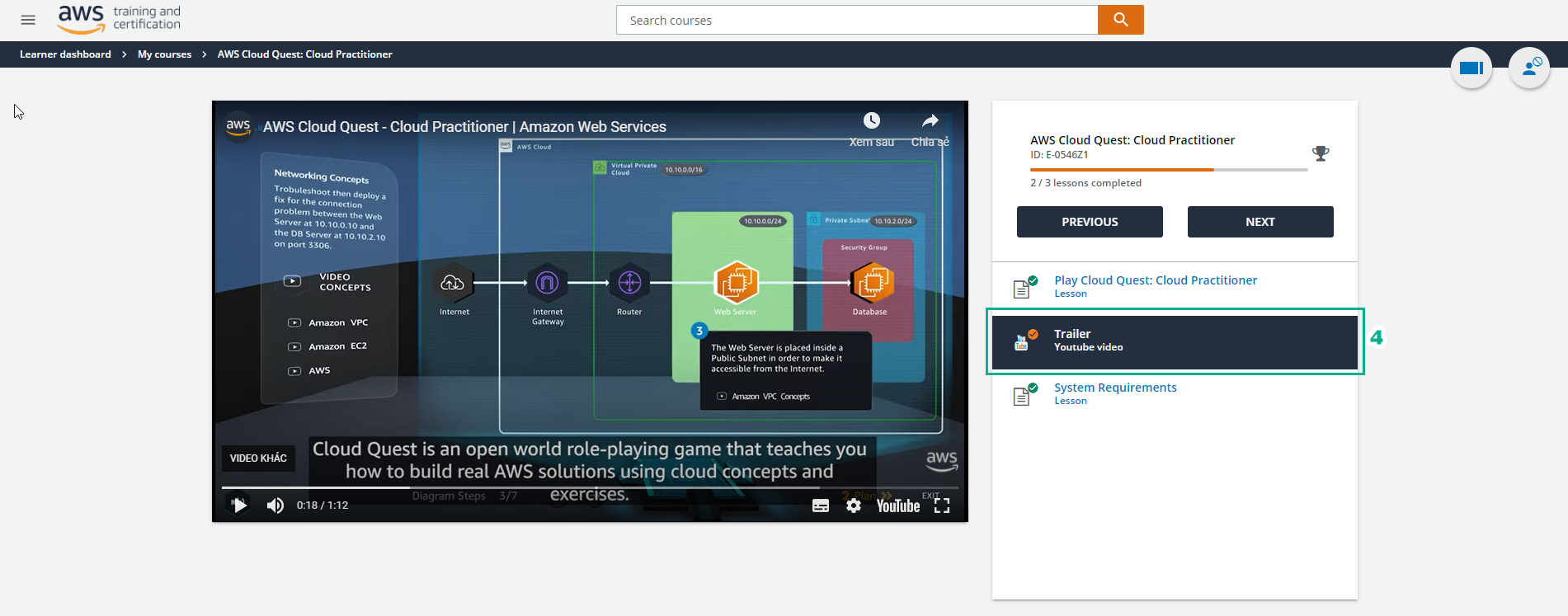
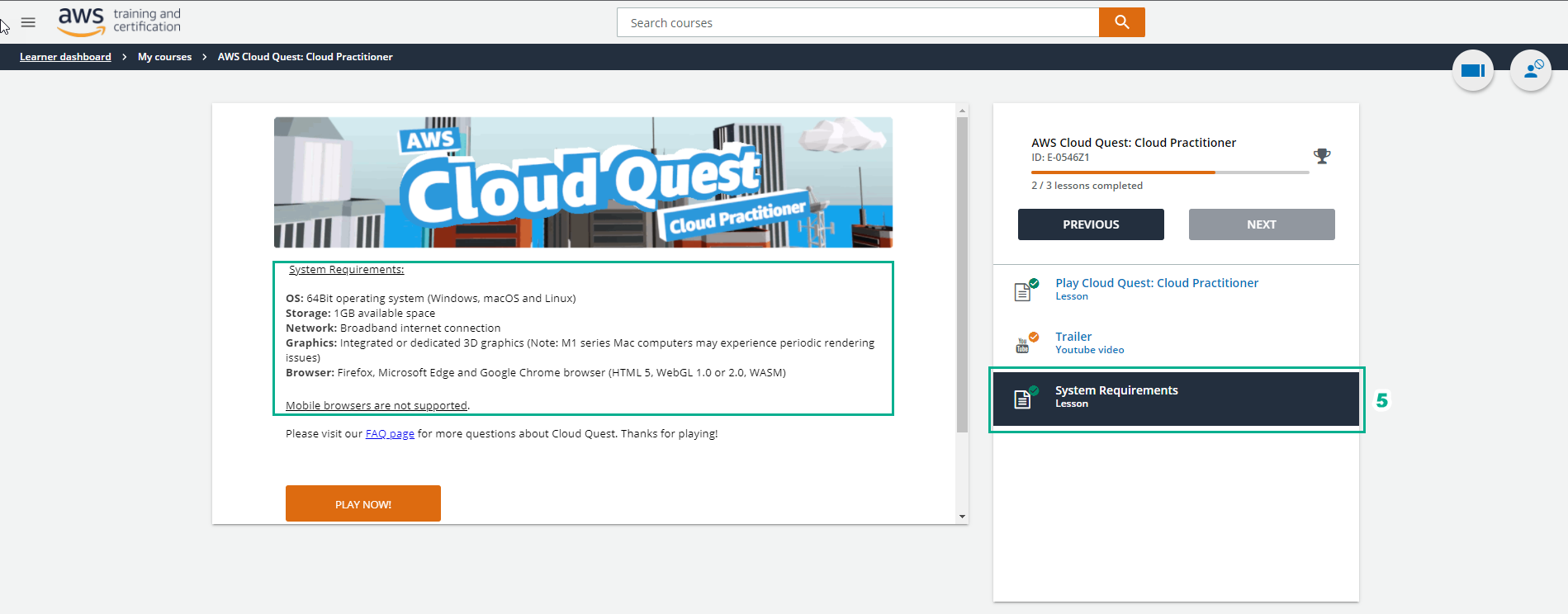
- Sau khi xem video xong, chọn System Requirements để kiểm tra yêu cầu hệ thống
- OS: 64Bit operating system (Windows, macOS and Linux)
- Storage: 1GB available space
- Network: Broadband internet connection
- Graphics: Integrated or dedicated 3D graphics (Note: M1 series Mac computers may experience periodic rendering issues)
- Browser: Firefox, Microsoft Edge and Google Chrome browser (HTML 5, WebGL 1.0 or 2.0, WASM)
- Mobile browsers are not supported.
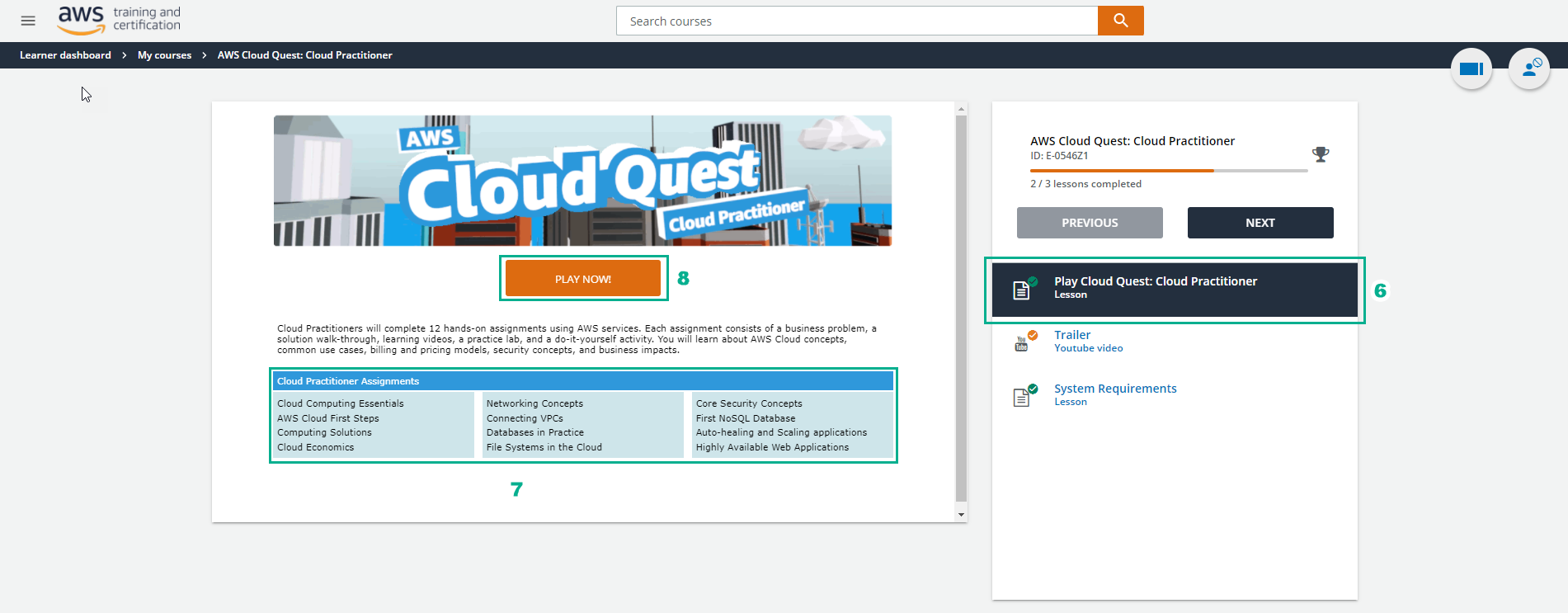
- Sau khi kiểm tra hệ thống, chọn Play AWS Cloud Quest: Cloud Practitioner
- Giao diện xuất hiện gồm 12 bài lab ̣(Cloud Practitioner Assignments)
- Cloud Computing Essentials
- AWS Cloud First Steps
- Computing Solutions
- Cloud Economics
- Networking Concepts
- Connecting VPCs
- Databases in Practice
- File Systems in the Cloud
- Core Security Concepts
- First NoSQL Database
- Auto-healing and Scaling applications
- Highly Available Web Applications
- Chọn PLAY NOW! (đợi vài phút tải giao diện)
- Giao diện AWS Cloud Quest: Cloud Practitioner xuất hiện, chọn START GAME(mất khoảng thời gian tải game)
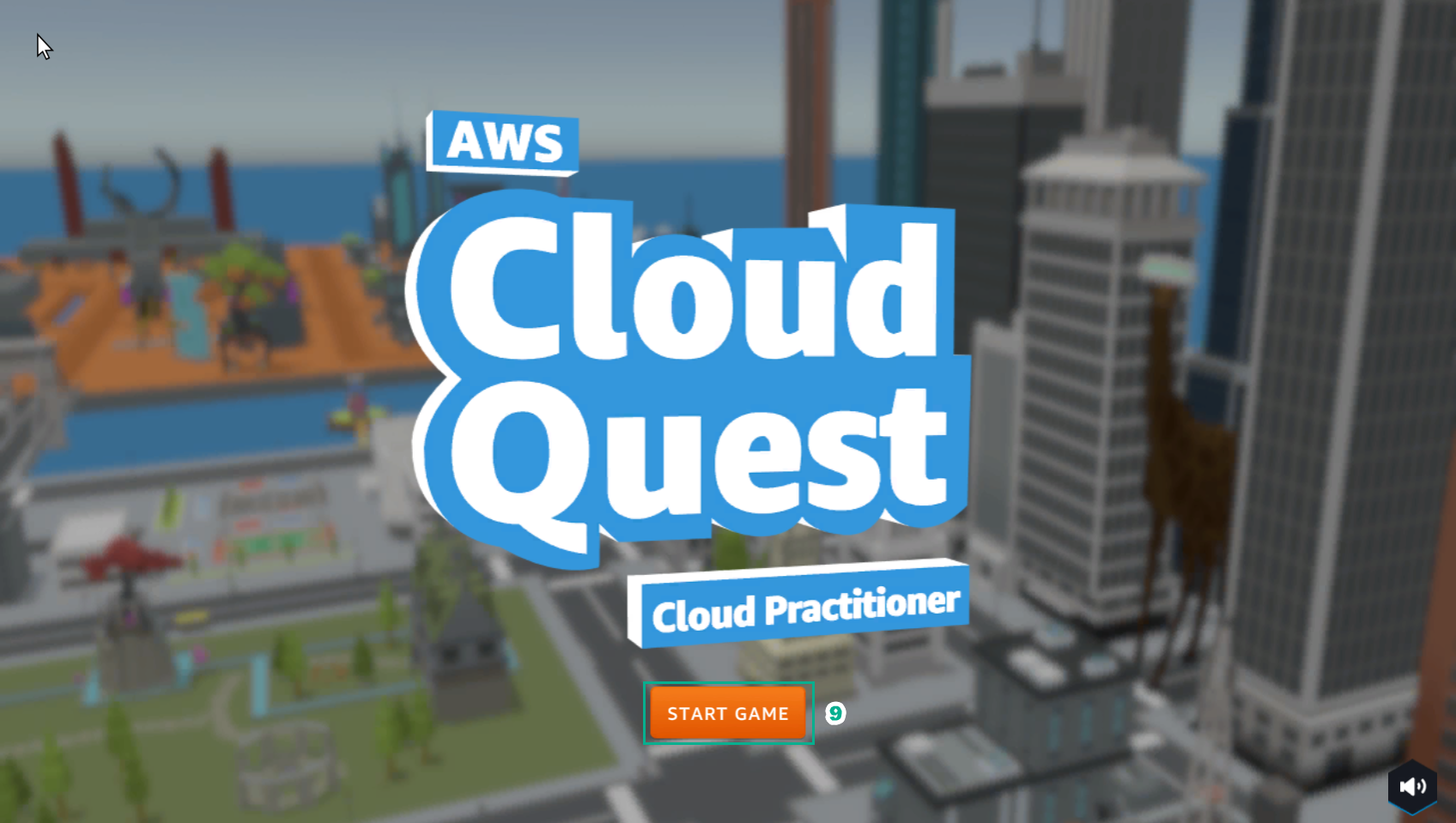
- Hoàn tất, giao diện thành phố đã xuất hiện.